The Link You Sent Last Tuesday Is Still Talking About You

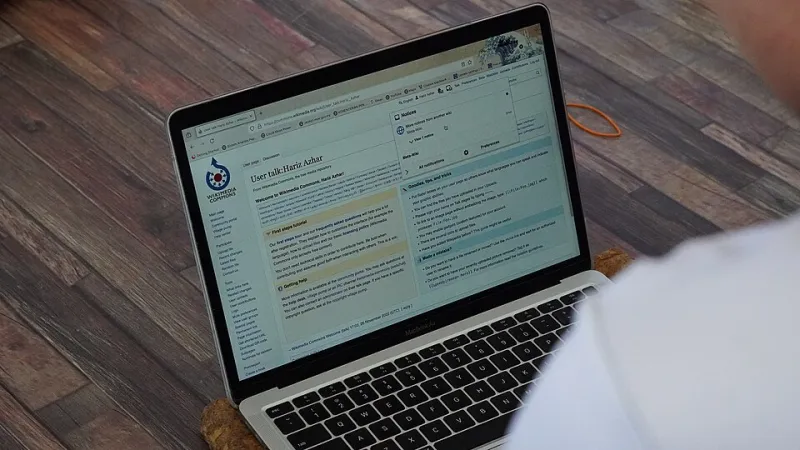
Photo: BLMUtah, Public domain, via Wikimedia Commons
Here's an uncomfortable thought for a Friday afternoon: the last thing a client saw from you probably wasn't your work. It was a permissions screen.
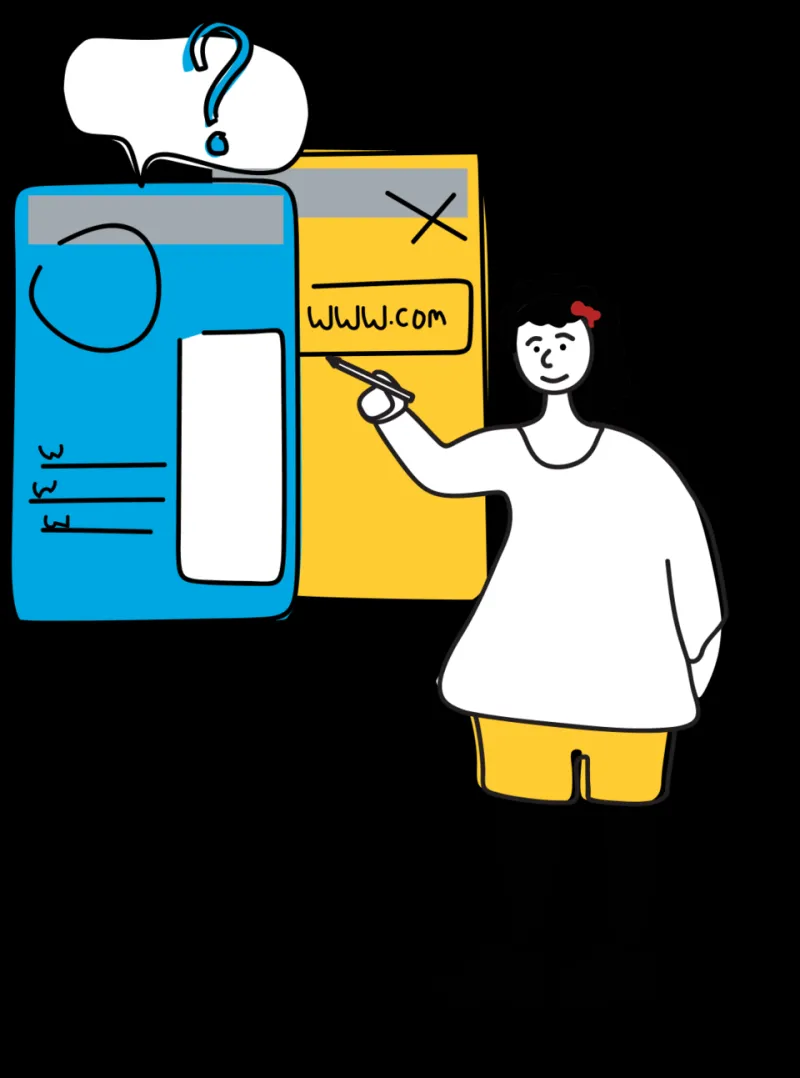
They clicked a link you sent. The screen said You need access. Request access? And then they sat there, in a meeting, with three other people looking at their laptop, waiting.
That moment is a brand impression. It's just not one you designed.
The Handoff Is the Product Now
Most service businesses still think of delivery as the file itself — the deck, the render, the campaign brief, the audit report. But in practice, delivery is a link, a folder, a filename, and a permission toggle. That's the wrapper around your work, and clients judge the wrapper because it's the part they understand.
A freelancer in Austin can produce a genuinely excellent brand system and still look disorganized if the folder is called New folder (3). A boutique agency in Chicago can bill six figures and look small-time if its shared drive sends prospects to a login wall.
You don't get credit for the work until the work arrives. And it arrives through a screen you probably haven't looked at in two years.
Three Ways a Shared Link Quietly Undermines You
1. The expired link
Links that auto-expire are a security feature, and they're great — right up until someone sends one to a client with a 24-hour window attached and forgets to extend it. The client comes back a week later, clicks, and gets an error page. They don't think ah, sensible security policy. They think this person's stuff is broken.
The fix is not to remove expiration. It's to give expires a calendar entry, and to send a fresh link proactively when a project timeline runs long.
2. The request-access dead end
There's a particular kind of silence that follows a client hitting a permission wall while on a call. It reads as gatekeeping, even when it's pure accident. And for a prospective client — someone evaluating you — it reads as bureaucracy. Nobody wants to fill out a form to be impressed.
If a link is going to a client, decide deliberately: viewer access, open to anyone with the link, or nothing at all. Don't default to the most closed option and hope they ask.
3. The cryptic filename
The file a client downloads becomes the file they forward internally. If it's called Final_Final_ActuallyFinal_v4.pdf, that's now your legacy inside their organization. They'll rename it, or they won't, and either way someone in that thread is quietly forming an opinion.
Good naming is not vanity. It's a small courtesy that reads as competence. Kita_Upload_Brand_System_2026-03.pdf tells a client you thought about their Tuesday.
What a Polished Handoff Actually Looks Like
It's less glamorous than it sounds. A clean handoff usually has five traits:
- One link, not seven. A single parent folder with everything inside it, rather than a spray of individual attachments across four emails.
- A structure that explains itself. Folders numbered or dated so a client can navigate without a phone call.
- Viewer access by default. Clients rarely need edit rights on deliverables. Give edit rights to the two people who asked for them.
- A short note in the email. Two sentences: what's inside, what you need from them, and when. Not a wall of text.
- A named contact. If something doesn't open, who do they message? Say it out loud.
That's the whole thing. No portal, no dashboard, no enterprise software. Just a moment of considering what the other side of the link looks like.
The Small-Firm Advantage Nobody Uses
Big companies can't fix this easily. They have procurement, IT tickets, and three overlapping platforms that nobody fully understands. A two-person design studio in Portland can absolutely fix this by Thursday.
That's the irony. The handoff experience is one of the few places where a small team can out-execute a large one at near-zero cost, and most small teams ignore it entirely.
If you want to be memorable to clients, you don't have to be the cheapest or the fastest. You just have to be the vendor whose links always work. It's a low bar that almost nobody clears, which means clearing it is worth more than it should be.
A Two-Minute Habit Worth Adopting
Before you hit send on any client-facing link, open it in a private browser window. Not your logged-in browser — a clean one, the way the client will see it.
Does it load? Is the folder name readable? Can they download without an account? Is the file inside named something a human would recognize?
If the answer to all four is yes, you've just done more quality control than most firms do in a quarter. If any answer is no, you've caught it before a client did — which is the entire point.
Your shared drive is not a back office. It's the front door. Keep it swept.